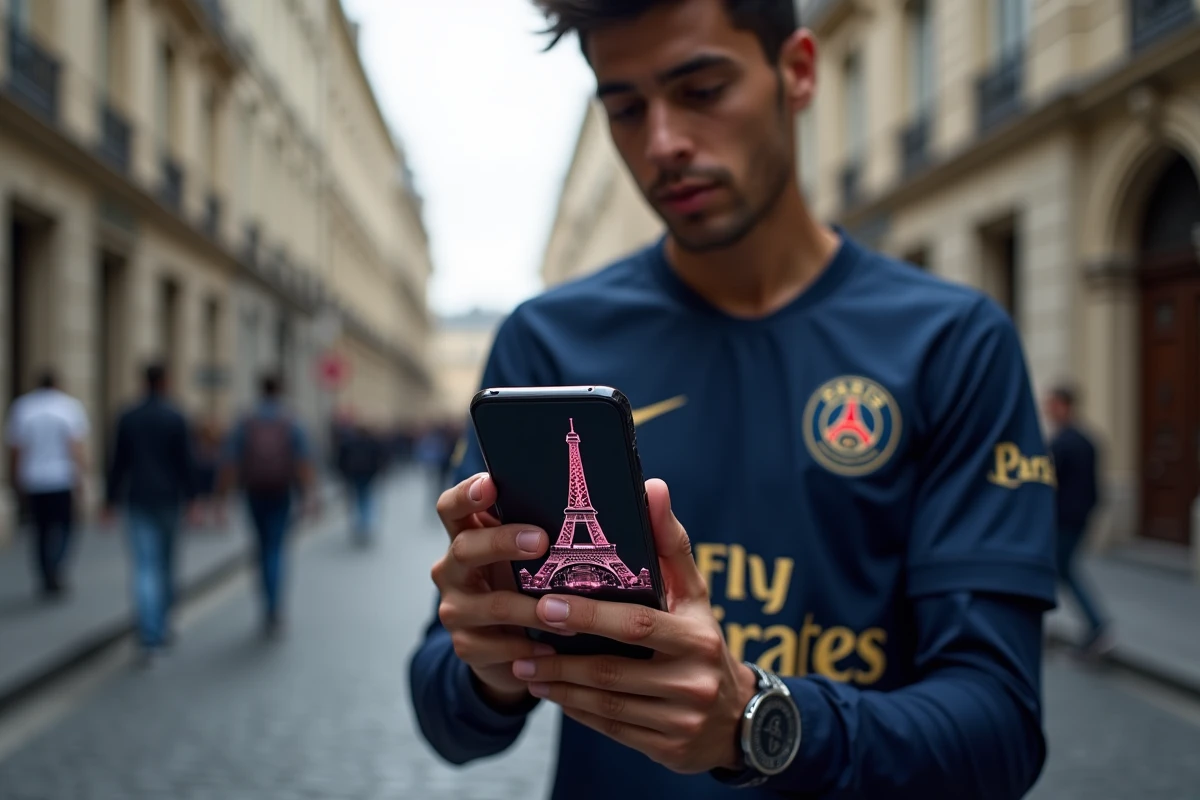
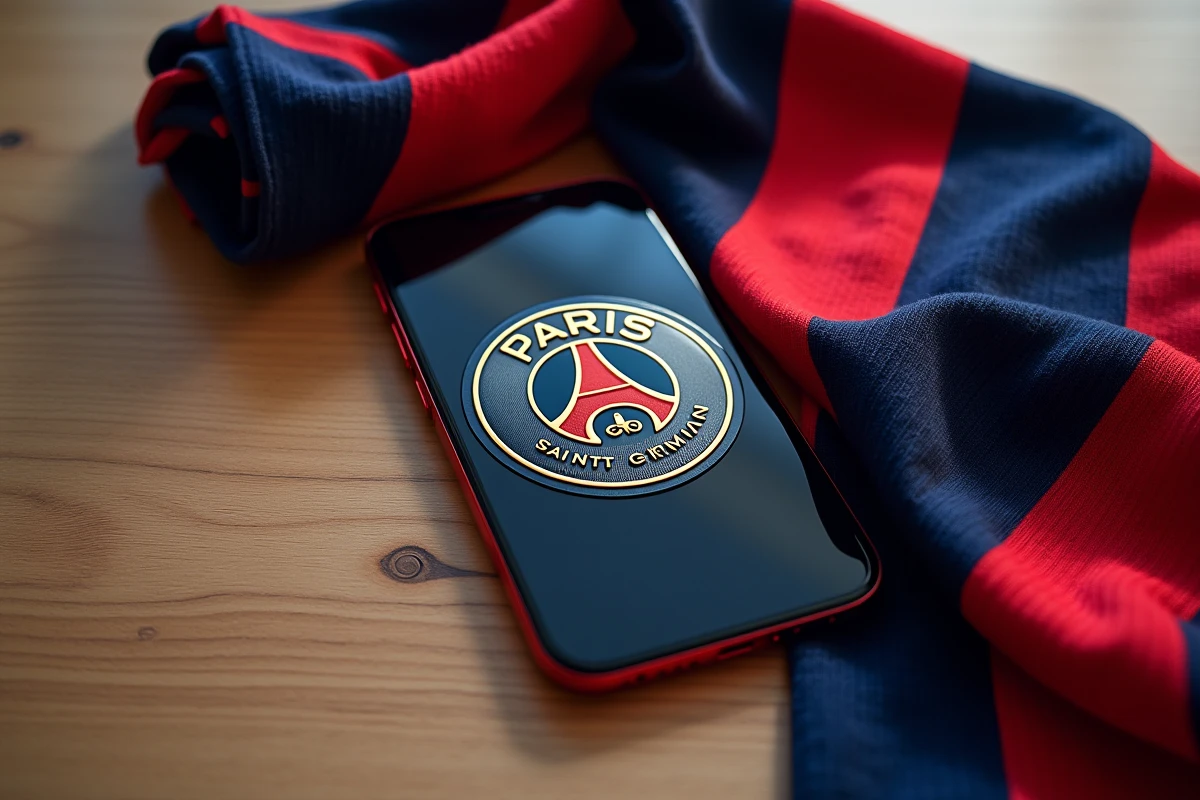
Your lock screen still shows the default iOS background. You unlock your iPhone dozens of times a day, and each time, the same generic image appears. For a Paris Saint-Germain supporter, this small detail can become a true expression of identity. A well-chosen PSG wallpaper transforms a mundane gesture into a reminder of your passion for the club.
Dynamic PSG wallpapers and Live Activities widgets on iPhone
Static images of the logo or the Parc des Princes remain popular, but iOS has opened the door to something more engaging. With Live Activities, the iPhone lock screen can display real-time updated information directly on the wallpaper.
Specifically, some sports apps offer widgets that overlay the current score, scorers, and game time on your lock screen. Your iPhone becomes a supporter’s dashboard during matches. The PSG wallpaper is no longer just decorative; it lives in sync with the game.
To take advantage of this, you need a Live Activities compatible app (the official Ligue 1 app or third-party sports tracking apps) and an iPhone running iOS 16 or later. The widget appears over your usual wallpaper, meaning that the choice of the base image is as important as the widget itself. A dark background with the PSG logo at the bottom leaves space for the widget at the top of the screen, avoiding visual conflict.
Have you noticed that some overly busy wallpapers make notifications unreadable? This is exactly the trap to avoid when combining PSG images and dynamic widgets.
Screen resolution and aspect ratio: choosing a non-pixelated PSG image
Downloading the first PSG image found on a search engine is tempting. The result often disappoints: blurry logo, faded colors, awkward cropping that cuts off the top of the crest. Why? Because the image was not designed for the aspect ratio of an iPhone screen.
Recent models use a 19.5:9 aspect ratio with high resolutions. An ideal PSG wallpaper should match the native resolution of your model. If you don’t know the exact resolution, remember a simple rule: an image at least 1,170 pixels wide covers most current iPhones.
To find PSG wallpapers for iPhone in suitable quality, prioritize sources that specify the resolution or offer a full-size preview. Pinterest galleries or generic image banks rarely display this information, making sorting difficult.
Preferred formats for a sharp display
- The PNG format preserves the sharpness of logos and texts, making it ideal for PSG crests with fine details (fleur de lys, cradle, Eiffel Tower)
- The JPEG format is sufficient for photos of the Parc des Princes or stands, provided the compression remains moderate
- HEIF files, the native format of iOS, offer a good weight-quality compromise and display without conversion on iPhone
Minimalist PSG wallpaper or match photo: what style for what use
Choosing a wallpaper is not just about resolution. The style of the image affects the readability of your home screen and the overall impression your phone gives off.
A minimalist design, with the PSG logo centered on a solid navy blue background, keeps the screen clean. App icons remain readable, widgets stand out, and the overall look is understated. This style has gained popularity recently, with some Parisian supporters preferring clean “rebuild era” visuals that reflect the team’s reconstruction rather than cluttered compositions.
On the opposite end, match photos (fiery stands, celebrating players, aerial view of the Parc des Princes) bring emotion but complicate icon readability. If you choose this type of image, enable the “Wallpaper Blur” option in iOS settings to soften the background on the home screen while keeping the image sharp on the lock screen.
Adapting the wallpaper to the lock screen and home screen
iOS allows you to set two different images. Use an ambiance photo for the lock screen and a simple design for the home screen. This separation avoids the permanent compromise between aesthetics and readability. The lock screen, which only displays the time and a few notifications, can handle rich visuals. The home screen, cluttered with icons, benefits from remaining clear.
Customizing a PSG wallpaper with iOS’s built-in tools
You don’t need a photo editing app to tailor a PSG image to your liking. iOS includes often underutilized tools that can radically change the final result.
From the wallpaper editor (Settings > Wallpaper > Add), you can:
- Apply a color filter (the “duotone” filter in blue and red reflects the club’s colors and standardizes medium-quality photos)
- Crop and zoom to center the logo or a specific player without using a third-party app
- Activate the depth effect, which places the time behind a subject in the foreground, working particularly well with a player cut out against a stadium background
- Associate a Focus (Do Not Disturb mode) with a specific wallpaper, for example, a PSG background that activates automatically on match nights via a Shortcuts automation
Linking a “PSG Match” Focus mode to a dedicated wallpaper also filters out non-sport notifications during the match. The screen becomes a true supporter companion, not just decoration.
The perfect wallpaper does not exist as a one-size-fits-all download. It’s the combination of a well-chosen image, a format suited to your iPhone model, and iOS settings that makes the difference. Take two minutes to test the depth effect and Focus mode the next time PSG plays: the result often surprises more than the image itself.